Buy Discord Account: What Age, Badges, Nitro and Escrow Mean for Your Purchase

Key takeaway
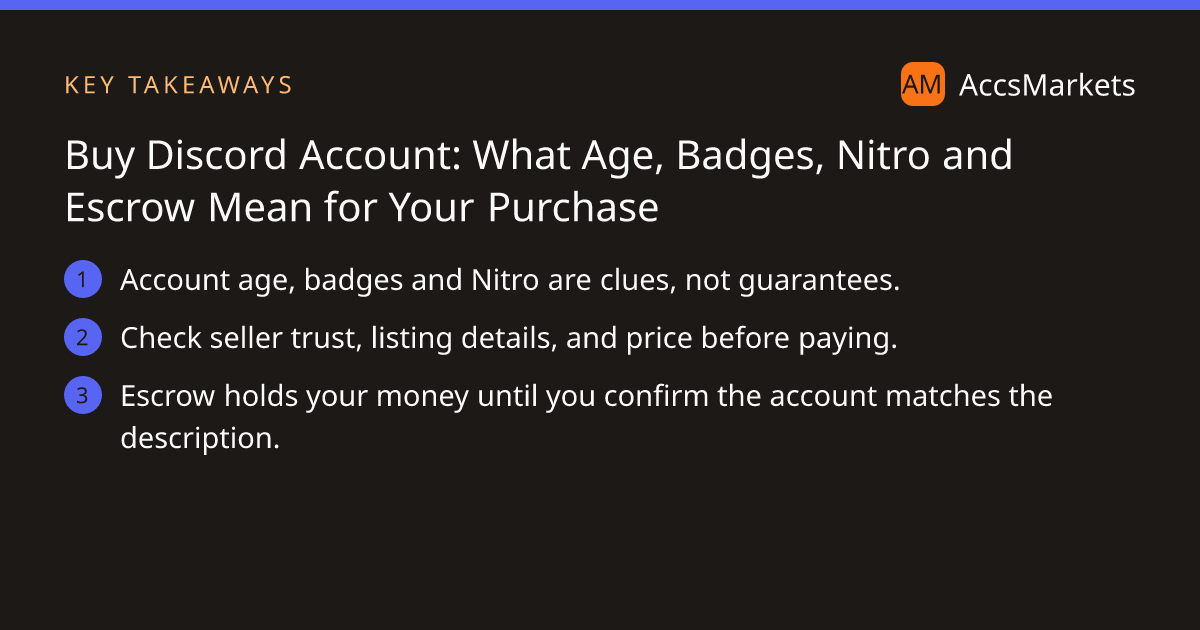
A practical guide that explains what Discord account age, badges and Nitro really indicate, how to verify listings, and why AccsMarkets escrow lowers the risk.
When you decide to buy discord account, the details on the listing can feel like a checklist, but each item has its own limits. Knowing what truly matters helps you avoid costly mistakes and lets you use the platform’s protection tools with confidence.
Understanding what account age, badges and Nitro really mean
Account age is the most visible metric on a Discord profile. An older account has survived the platform’s updates and policy changes, which can suggest a stable history. However, age does not promise a clean record; an old account may still be under a shadow‑ban, linked to a compromised email, or have a history of rule violations that only Discord staff can see.
Badges such as Discord Partner, HypeSquad, or Server Booster are awarded for specific achievements. They show that the owner once met certain community criteria, but badges can be removed if the account later breaches Discord’s terms. Treat them as a positive signal, not a proof of ongoing compliance.
Nitro status indicates that the account currently pays for premium features. Active Nitro often means the owner values the account and is willing to invest in it. Still, Nitro can be canceled at any time, and a paid subscription does not shield the account from being reclaimed if Discord determines a policy breach.
- Age tells you how long the account has existed, but not its current standing.
- Badges show past achievements, not certain future compliance.
- Nitro reflects recent investment, not permanent protection.
What to check before you buy discord account
Before you click the purchase button, spend a few minutes reviewing the seller and the listing. AccsMarkets makes most of this information visible, but a careful eye can spot red flags that others might miss.
Start with the seller’s profile: look at their trust tier, the number of completed deals, and recent reviews. A seller with a high trust score and consistent positive feedback is less likely to disappear after the sale.
Next, examine the listing itself. Verify that screenshots match the described follower count, server memberships, and any attached analytics. If something is marked “Not specified,” ask the seller for clarification in the listing chat.
Finally, compare the price with similar listings on the All listings page. A price that is dramatically lower than the market average often signals a problem.
During the inspection period, you will have the chance to log in and confirm every detail. If anything differs from the description, you can raise a problem or open a dispute.
How AccsMarkets escrow protects your payment
Escrow is the core safety net on AccsMarkets. When you initiate a purchase, the payment plus the escrow fee (shown on the fees page) is moved into a neutral account. The seller then delivers the Discord credentials inside the deal.
During the inspection period you log in, check the follower count, server roles, linked email address, and any other promised assets. If the account matches the listing, you confirm and the escrow releases the funds to the seller. If something is wrong, you raise a problem; a team member reviews the dispute and decides whether to refund you or release the money.
If you get stuck, the escrow guide explains how to use the “Call Escrow Admin” button to get direct assistance from an admin inside the deal.
Step‑by‑step example of a typical purchase
The listing shows the seller’s trust tier as “Gold” and includes screenshots of the server dashboard. Here’s how the transaction would unfold on AccsMarkets:
- Add at least $10 to your wallet via the Help Center page.
- The seller posts the login details in the deal chat. You immediately log in, verify the member count, badge, and Nitro status, and also check that the registered email belongs to the seller (as shown in the description).
- If the member count is lower or the badge is missing, you raise a problem before the inspection period ends. An admin reviews the evidence and may issue a refund.
This flow shows why each step matters: funding the wallet, using the built‑in escrow, and performing a thorough inspection before confirming.
Legal and policy considerations
Discord’s Terms of Service explicitly restrict the transfer of accounts without permission. Before you finalize any purchase, read the relevant sections of Discord’s rules to understand the risks of ownership changes. Violating those terms can lead to account suspension or loss, regardless of how carefully you vetted the seller.
AccsMarkets is not affiliated with Discord or any other social network. The marketplace merely provides a venue for buyers and sellers to meet, and the escrow service ensures that the money changes hands only when both parties are satisfied.
By staying aware of platform policies, using the escrow system, and performing a diligent inspection, you can reduce the chance of a costly reversal. If you ever feel unsure, the Help Center offers additional guidance, and the escrow admin is just a click away.
Frequently asked questions
Can I transfer a Discord account after buying it?
Discord’s terms limit account transfers, so you should read their policy first. Buying an account may violate those terms and could lead to suspension.
What does the escrow fee cover?
The fee, shown before you pay, covers the service of holding your payment, reviewing disputes, and releasing funds only after you confirm the account matches the listing.
What should I do if the account I receive doesn’t match the listing?
Raise a problem during the inspection period. An AccsMarkets admin will review the evidence and may issue a refund if the claim is valid.
Sources and further reading
This article was researched from the public sources below and written in our own words.
Related on AccsMarkets
Ready to buy or sell an account?
Browse verified listings, protected by escrow.