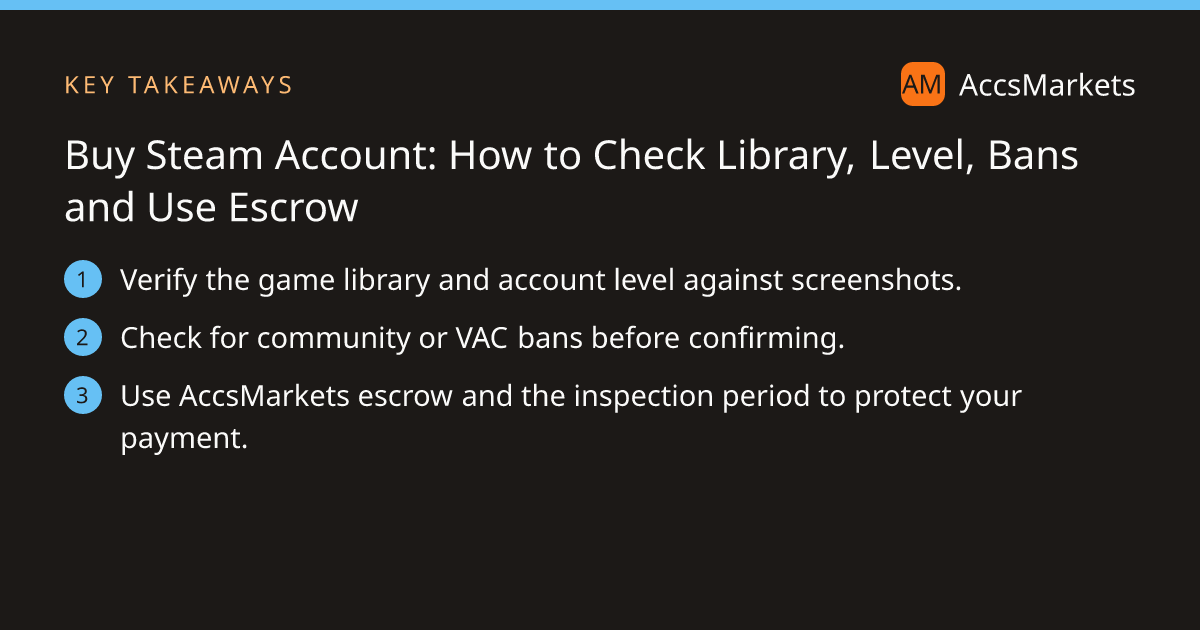
Buy Steam Account: How to Check Library, Level, Bans and Use Escrow

Key takeaway
A practical guide that walks you through reading a Steam library, assessing level and ban history, and using AccsMarkets escrow to keep your purchase safe.
When you decide to buy steam account, the value sits in the games you receive, the account’s level, and whether any bans limit its use. A careful audit before you send money can protect you from losing expensive titles or ending up with a restricted profile. The steps below show what to examine and how AccsMarkets escrow lowers the risk.
Why buying a Steam account can make sense
Many gamers look for a shortcut to a large library without paying full price for each title. A seasoned account often includes years of playtime, achievements, and a mix of AAA and indie games that would be costly to buy individually. However, the convenience comes with responsibility: you must verify that the account matches the seller’s claims and that it complies with Steam’s own terms.
Before you start, browse the Steam listings on AccsMarkets at /buy/steam-accounts. Each listing shows screenshots, a description of the library, and the seller’s profile. Use this overview to shortlist candidates that fit your budget and game preferences.
How to read the game library and account level
The library is the core of any Steam account’s worth. Look for clear screenshots that display the full list of owned games, not just a selection. Verify that the titles are marked as “Owned” rather than “Wish‑listed”. A diverse collection—mixing recent releases with classic titles—usually indicates a well‑maintained account.
The account level reflects total playtime and earned achievements. Higher levels suggest a longer‑standing profile, which can be attractive for collectors or for unlocking certain community features. Compare the level shown in the listing with the level visible on the profile after you log in during the inspection period.
- Check that the number of games in the screenshots matches the description.
- Confirm that the listed level aligns with the profile’s displayed level.
- Note any rare or valuable titles that could affect price.
During the inspection period you can open the Steam client, log in with the provided credentials, and quickly spot‑check a handful of games to confirm ownership. If anything looks missing, raise a problem before confirming.
Checking ban history and account reputation
Steam can apply community bans, VAC bans, or payment‑related suspensions. A banned account may be unable to play online, trade items, or even access the library. Sellers should include screenshots of the “Community Ban” and “VAC Ban” sections if the account is clean.
When the account is delivered, log in and look for any warning banners on the profile page. Also inspect the associated email for messages from Steam about restrictions. A clean ban history is a strong indicator that the account can be used without immediate trouble.
If you spot a ban, you have two options: ask the seller for clarification or raise a problem through the Help Center. AccsMarkets does not intervene in platform‑specific bans, so the decision rests with you.
What to verify before you buy steam account
Before you click the purchase button, run through a short audit of the seller, the listing, and the price. The seller’s profile reveals their level, trust score, completed deals, and reviews. An ID‑verified badge adds an extra layer of confidence, though it is not mandatory for every sale.
Read the description carefully. Ask questions in the listing chat if any detail is vague. Never agree to move the conversation or payment off the platform; that behavior violates AccsMarkets rules and should be reported.
- Seller profile: level, trust score, review count, ID‑verified badge if present.
- Listing details: clear screenshots of library, level, and ban status.
- Price comparison: ensure the asking price aligns with similar listings.
- Payment method: pay only through AccsMarkets escrow.
- Inspection plan: know the length of the inspection period and be ready to act.
All fees, including the escrow fee, are displayed before you confirm payment. You can review the fee schedule on the fees page.
How escrow on AccsMarkets reduces risk
AccsMarkets escrow works as a neutral holder for your payment until you are satisfied with the delivered account. After you add funds to your wallet and initiate the purchase, the amount plus the escrow fee is locked. The seller then provides the account credentials inside the deal.
The inspection period starts as soon as the seller marks delivery. If something is wrong, you can raise a problem or open a dispute; a member of the AccsMarkets team will review it.
During inspection you can also use the Call Escrow Admin button for assistance. The admin can help reset the inspection timer or guide you through the verification steps, but they do not promise any outcome.
When you confirm that everything matches the listing, the escrow releases the payment to the seller. If you raise a problem and the issue is not resolved, the dispute process determines the final outcome.
By keeping the funds out of the seller’s hands until you validate the account, escrow protects you from fraud, misrepresentation, and incomplete deliveries.
Final steps to complete your purchase safely
Once you have finished the inspection, take a moment to run through this final checklist before confirming the deal.
- Login succeeds without error messages.
- Game library matches the screenshots and description.
- Account level is as advertised.
- No active community or VAC bans appear.
- All linked email addresses and phone numbers have been changed to yours.
- Two‑step authentication is enabled.
If any point fails, raise a problem through the Help Center or contact an escrow admin before the inspection timer ends.
Buying a Steam account can expand your game collection quickly, but it requires diligence. By examining the library, level, and ban history, and by relying on AccsMarkets escrow, you keep the transaction as safe as possible.
Ready to start? Browse the current Steam listings, add funds to your wallet, and follow the steps outlined above to make an informed purchase.
Frequently asked questions
Can I see the full game list before I buy?
Sellers should provide clear screenshots of the entire library. During the inspection period you can log in and spot‑check a few titles to confirm ownership.
What if I find a ban after the account is delivered?
Raise a problem through the Help Center within the inspection period. An AccsMarkets team member will review the issue and may open a dispute if the ban was not disclosed.
How does escrow protect my money?
Your payment and the escrow fee are held by AccsMarkets until you confirm the account matches the listing. If you raise a problem, the funds are not released to the seller.
Sources and further reading
This article was researched from the public sources below and written in our own words.
Related on AccsMarkets
Ready to buy or sell an account?
Browse verified listings, protected by escrow.