How to buy snapchat account safely and verify it

Key takeaway
A practical guide that walks you through what to inspect, the handover risks and how AccsMarkets escrow protects your purchase of a Snapchat account.
When you decide to buy snapchat account, treat the listing as a contract. The details on the page must match the profile you will receive, otherwise you risk losing money or ending up with a disabled account.
What to check before you buy snapchat account
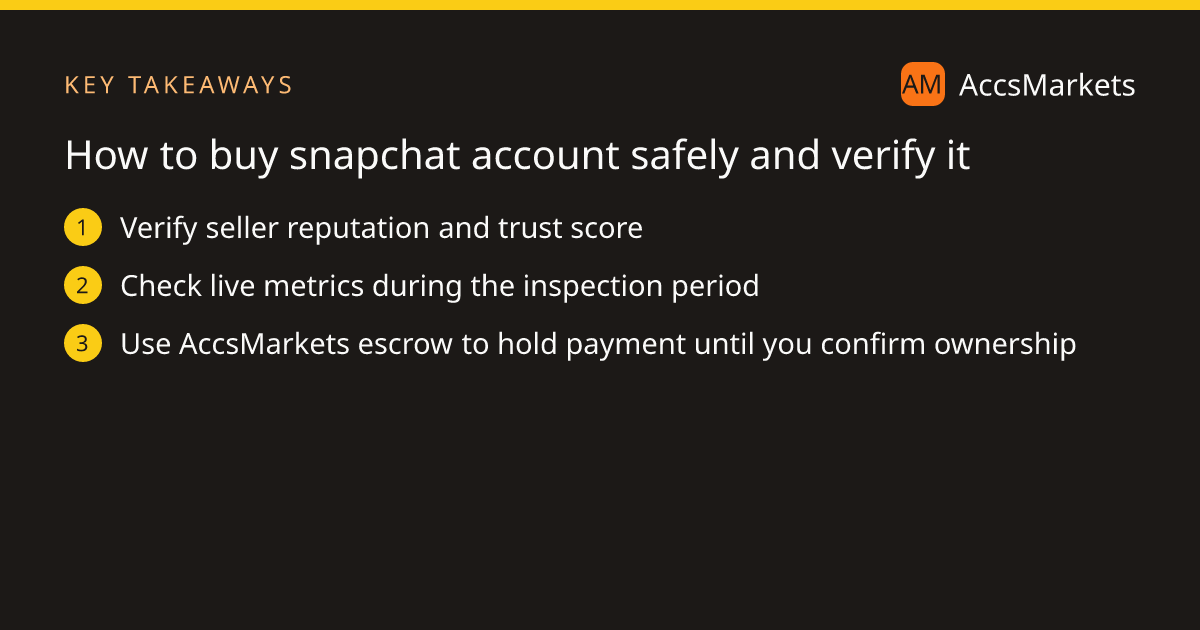
The inspection period gives you a short window to confirm that the seller’s description is accurate. Focus on three categories: the seller’s reputation, the account metrics, and compliance with Snapchat’s own rules. Each category can be verified inside the deal without leaving AccsMarkets.
- Seller reputation – Open the seller’s profile and note the trust score, number of completed deals, and whether they display an ID‑verified badge.
- Account metrics – Verify follower count, age of the account, country of origin, and any linked email or phone number shown in the screenshots.
- Compliance – Read Snapchat’s terms of service to ensure the platform does not forbid transferring the account.
If anything is unclear, use the listing chat to ask questions before you place the payment.
Risks that come with the handover
Transferring a social media profile always carries uncertainty. The most common danger is that the seller retains hidden access, such as a backup email or two‑step code, which could let them reclaim the account after you have paid.
Another risk is inheriting a profile that has already been flagged for policy violations. Snapchat’s brief‑lived messages can hide content that breaches community guidelines, leading to a ban that appears only after you take control.
Finally, the platform’s rules may explicitly prohibit selling or buying accounts. Ignoring those rules can result in the account being disabled, leaving you with nothing despite a completed transaction.
How escrow reduces those risks
AccsMarkets escrow acts as a neutral holder for the buyer’s payment until you confirm that the account matches the listing. This arrangement prevents the seller from walking away with the money before you have verified ownership.
During the inspection period you can raise a problem if something looks off. A dispute will be opened and AccsMarkets staff will review the evidence before any funds are released. The platform also offers a Call Escrow Admin button for direct assistance.
Step‑by‑step using AccsMarkets
First, add money to your AccsMarkets wallet; the minimum is $10. Then browse the Snapchat listings at /buy/snapchat-accounts and choose a profile that fits your needs.
When you click “Buy” or submit an offer, the price plus the escrow fee (shown before you pay) is deducted from your wallet. The seller then delivers the login details inside the deal. At that moment the inspection period begins.
Log in to the account, compare the live follower count, age, and country with the listing, and verify that the recovery email and phone number belong to you. Change the password, update the recovery email, and enable two‑step verification. Once everything aligns, confirm the deal and the seller receives the payment. If something is off, raise a problem or open a dispute before the inspection timer expires.
Remember that AccsMarkets does not own the accounts; it merely facilitates the transaction. The marketplace also makes clear that it is not affiliated with Snapchat, so you must read Snapchat’s own rules about account transfers.
Final checklist and next steps
Before you finalize the purchase, run through this short list to protect yourself. The checklist mirrors the three categories you examined earlier and adds the final security steps.
- Confirm the seller’s trust score and ID‑verified badge.
- Match the listed metrics with the live account during inspection.
- Secure the account by changing passwords and enabling two‑step protection.
- Keep the entire transaction inside AccsMarkets escrow.
If all items check out, confirm the deal and you’ll have a Snapchat presence ready to grow. If any point raises doubt, use the “Call Escrow Admin” button or open a dispute – the AccsMarkets team will intervene.
Frequently asked questions
Can I buy a Snapchat account without using escrow?
AccsMarkets requires every purchase to run through escrow. The payment is held until you confirm the account matches the listing, which protects both buyer and seller.
What should I do if the account I receive is different from the listing?
Raise a problem during the inspection period or open a dispute. AccsMarkets staff will review the evidence and decide whether to release the funds.
Are Snapchat accounts allowed to be transferred according to Snapchat’s rules?
Snapchat’s terms of service may restrict account transfers. You should read the platform’s rules before buying, because AccsMarkets is not affiliated with Snapchat and cannot change those policies.
Sources and further reading
This article was researched from the public sources below and written in our own words.
Related on AccsMarkets
Ready to buy or sell an account?
Browse verified listings, protected by escrow.