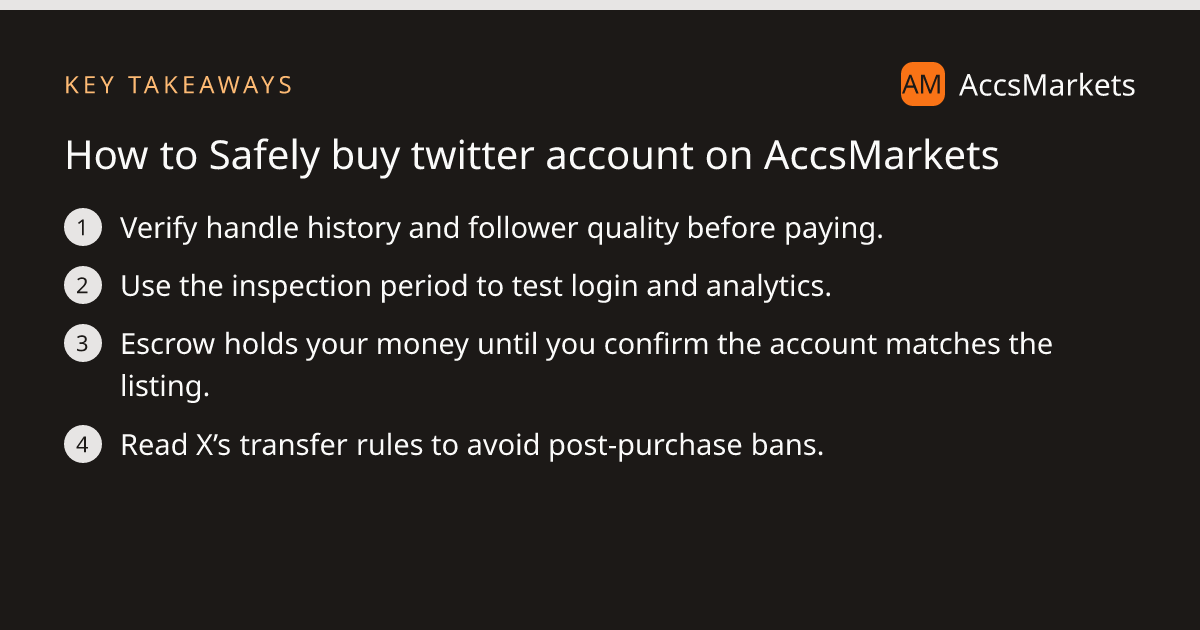
How to Safely buy twitter account on AccsMarkets

Key takeaway
Learn how to evaluate a Twitter handle, verify followers, avoid transfer pitfalls, and use AccsMarkets escrow for a secure purchase.
Understanding the risks before you buy twitter account
Every handle on X carries a history that can affect future performance. A handle that was previously used for spam, hateful content, or frequent bans may inherit shadow bans or reduced reach, even after you change the profile picture and bio. Likewise, the quality of the follower base matters: many bots or inactive accounts add little value and can trigger platform scrutiny.
Before you commit any funds, read X’s terms of service to confirm that the platform permits account transfers. The rules differ by region and by the type of account (personal vs. business), and violating them can lead to suspension after purchase. AccsMarkets does not control X’s policies and is not affiliated with the network, so the onus is on you to stay compliant.
Assess the seller’s reputation on AccsMarkets as well. Sellers earn a trust score from completed deals and may display an ID‑verified badge. While a high score reduces risk, it does not eliminate it; always perform your own due diligence during the inspection period.
What to check when you buy twitter account
The inspection period is your safety net. Use the time to verify that the account matches the listing description before confirming payment release.
- Login credentials: Ensure the provided email and password work and that two‑factor authentication is disabled or transferred to you.
- Analytics: Look at follower growth, engagement rates, and recent tweet performance. Sudden spikes or drops can indicate purchased followers or recent penalties.
- Content audit: Scan recent tweets for copyrighted material, hate speech, or spam. Remove or edit any problematic posts before you start using the handle.
- Handle history: Use third‑party tools or X’s own search to see if the handle was previously associated with controversies.
How AccsMarkets escrow keeps your money safe
When you click “Buy” on a listing, the purchase price plus the escrow fee are moved from your wallet into a holding account. The funds stay there until you confirm that the account meets the agreed specifications. If you raise a problem during the inspection period, the payment remains locked while a dispute is reviewed by an AccsMarkets team member.
The escrow process is described in detail on the Escrow Guide. It follows the standard definition of escrow: a third party holds the money and only releases it when both parties satisfy the pre‑agreed conditions.
Should the seller fail to deliver, you can cancel the deal for a full refund, fee included, before the seller submits the login details. After delivery, you still have the option to open a dispute if something is wrong.
Step‑by‑step through the transfer process
AccsMarkets supports two main handover methods for X accounts: direct login delivery and manager‑add. The method shown on the deal page is chosen when you fund the escrow.
For a direct login, the seller posts the email and password inside the deal. Once you log in and verify everything, you tick the checklist and confirm. The seller then receives the payment.
For the manager‑add route, the seller adds the escrow email as a manager of the account. AccsMarkets staff verify that manager access works, then the inspection period starts. After you confirm access, a transfer countdown runs, the seller finalises the handover, and the escrow releases the funds.
All actions happen inside the platform; you never exchange credentials via external messages. If you need assistance, the Help Center offers a “Call Escrow Admin” button that connects you with a support representative.
Red flags and how to resolve issues
Even with escrow, certain warning signs can indicate a problematic purchase. Spot them early and use the dispute system if needed.
- Seller asks you to move the transaction off‑platform – this voids escrow protection.
- Login details are sent in a private chat rather than the deal thread – it may be a phishing attempt.
- Analytics show a sudden, unexplained surge in followers – could be a bot farm that X will later purge.
- The account is locked or requires phone verification you do not control – you cannot fully manage the handle.
Finally, always revisit X’s rules after the transfer. Some platforms require you to update the email address, phone number, or business verification within a certain window. Failure to do so can trigger a suspension that nullifies the purchase.
Frequently asked questions
Can I get a refund if the account isn’t as described?
Yes. While the escrow funds are held, you can cancel for a full refund before the seller delivers login details. After delivery, you may open a dispute; AccsMarkets will review the case and may return the money if the account fails to meet the listing.
What does the inspection period involve?
During the inspection period you log into the account, verify credentials, review analytics, and audit recent content. If everything matches the listing you confirm, otherwise you raise a problem and the escrow remains locked pending dispute resolution.
Do X’s terms allow me to transfer a purchased account?
X’s terms of service vary, and some restrictions may apply to account transfers. You should read the platform’s rules before buying, because AccsMarkets is not affiliated with X and cannot override those policies.
Sources and further reading
This article was researched from the public sources below and written in our own words.
Related on AccsMarkets
Ready to buy or sell an account?
Browse verified listings, protected by escrow.